

- Excellent Multilingual Text Rendering: Supports high-precision text generation in multiple languages including English, Chinese, Korean, Japanese, maintaining font details and layout consistency
- Diverse Artistic Styles: From photorealistic scenes to impressionist paintings, from anime aesthetics to minimalist design, fluidly adapting to various creative prompts
Qwen-Image Native Workflow Example
There are three different models used in the workflow attached to this document:- Qwen-Image original model fp8_e4m3fn
- 8-step accelerated version: Qwen-Image original model fp8_e4m3fn with lightx2v 8-step LoRA
- Distilled version: Qwen-Image distilled model fp8_e4m3fn
1. Workflow File
After updating ComfyUI, you can find the workflow file in the templates, or drag the workflow below into ComfyUI to load it.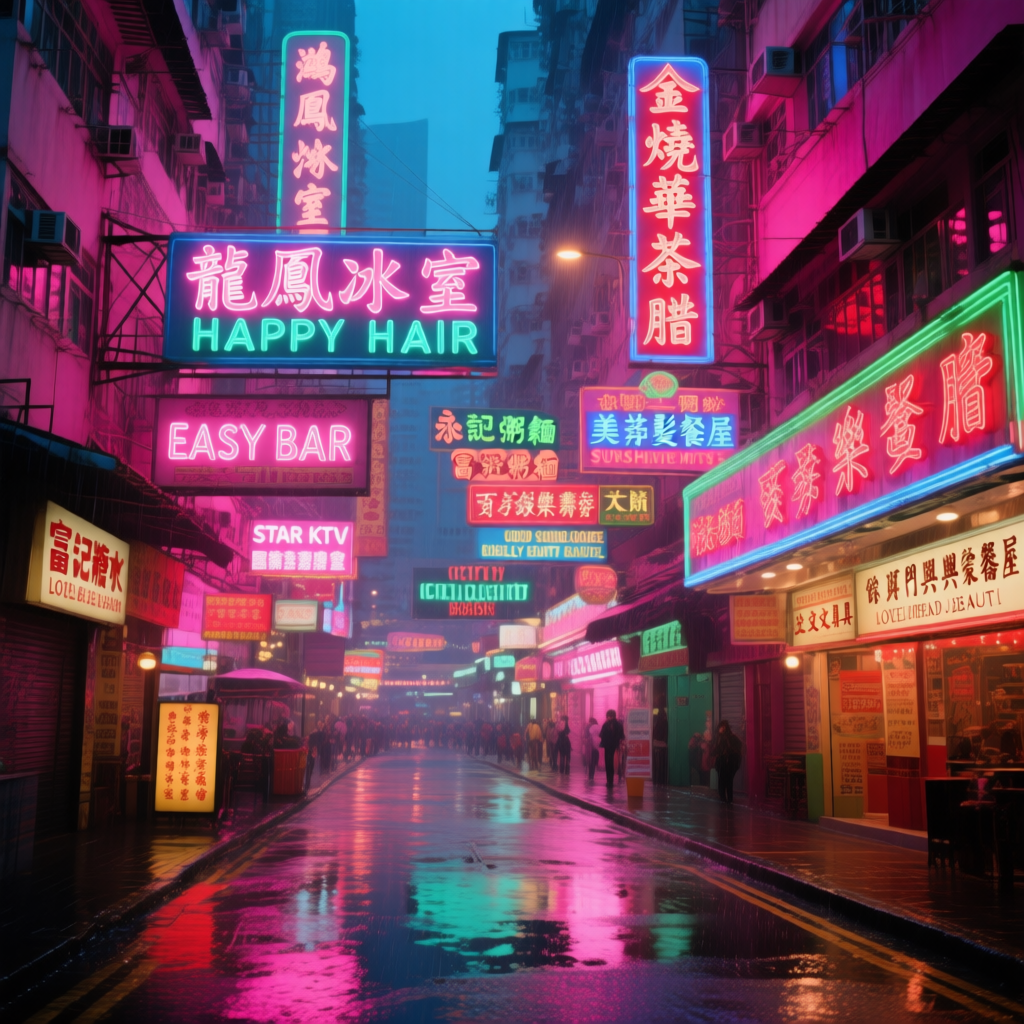
Download Workflow for Qwen-Image Official Model
Distilled versionDownload Workflow for Distilled Model
2. Model Download
Available Models in ComfyUI- Qwen-Image_bf16 (40.9 GB)
- Qwen-Image_fp8 (20.4 GB)
- Distilled versions (non-official, requires only 15 steps)
- The original author of the distilled version recommends using 15 steps with cfg 1.0.
- According to tests, this distilled version also performs well at 10 steps with cfg 1.0. You can choose either euler or res_multistep based on the type of image you want.
3. Complete the Workflow Step by Step
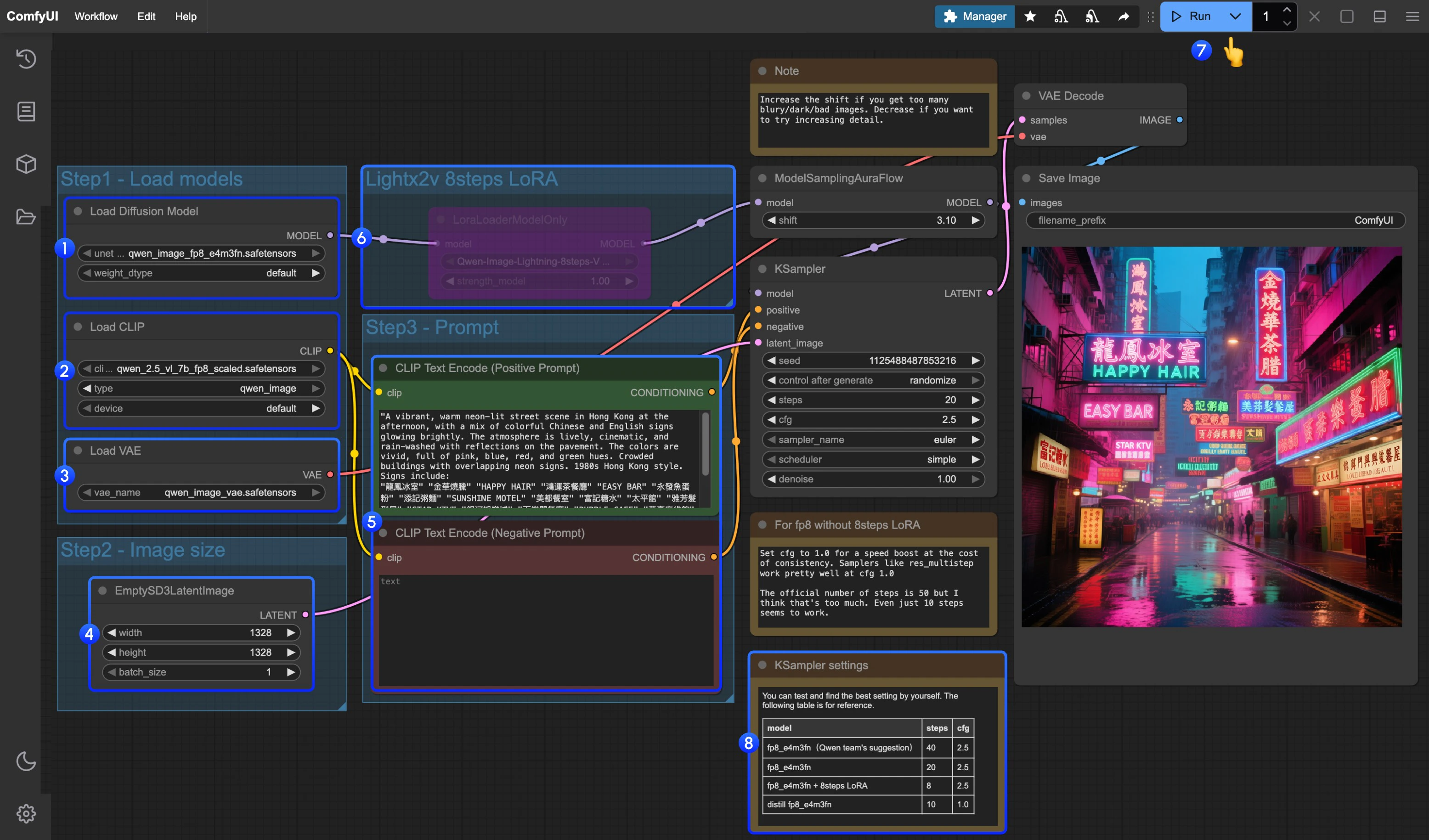
- Make sure the
Load Diffusion Modelnode has loadedqwen_image_fp8_e4m3fn.safetensors - Make sure the
Load CLIPnode has loadedqwen_2.5_vl_7b_fp8_scaled.safetensors - Make sure the
Load VAEnode has loadedqwen_image_vae.safetensors - Make sure the
EmptySD3LatentImagenode is set with the correct image dimensions - Set your prompt in the
CLIP Text Encodernode; currently, it supports at least English, Chinese, Korean, Japanese, Italian, etc. - If you want to enable the 8-step acceleration LoRA by lightx2v, select the node and use
Ctrl + Bto enable it, and modify the Ksampler settings as described in step 8 - Click the
Queuebutton, or use the shortcutCtrl(cmd) + Enterto run the workflow - For different model versions and workflows, adjust the KSampler parameters accordingly
The distilled model and the 8-step acceleration LoRA by lightx2v do not seem to be compatible for simultaneous use. You can experiment with different combinations to verify if they can be used together.